
Add a section to the document. You can
define any section with a block_section object. All other
body_end_section_* are specialized, this one is highly flexible
but it's up to the user to define the section properties.
Arguments
- x
an rdocx object
- value
a block_section object
Section model in Word
A block_section added with body_end_block_section() applies to the
content that precedes the call: it closes the section that holds the
previous paragraphs / tables and inherits any layout (orientation, columns,
margins, headers / footers) defined by the block_section. The function
name reflects this: it marks the end of a section.
Typical pattern: add the content, then close it with the section that should layout it.
doc <- read_docx() |>
  body_add_par("This paragraph is in landscape orientation.") |>
  body_end_block_section(block_section(prop_section(
    page_size = page_size(orient = "landscape")
  )))
The default section of the document (defined by the template or by
body_set_default_section()) closes any content added after the last
body_end_block_section() call.
The RTF output uses the opposite model: rtf_add(block_section(...))
applies to the content that follows the call. See rtf_add().
Section breaks occupy a line
Ending a section is materialized in the document by an empty
paragraph mark holding the section properties; this is how the
OOXML format represents a section break, there is no other way, and
Word does the same when a section break is inserted manually. As
any paragraph mark, it occupies one line whose height depends on
the default paragraph style. The same applies to
run_columnbreak() when it has to be placed after a table: a table
cannot host the break, so it must live in a paragraph that also
takes one line. If that residual line matters for your layout,
define a dedicated paragraph style with a very small font size
(e.g. 1pt) and no spacing in your Word template, and use it for the
paragraph hosting the break:
fpar(run_columnbreak(), fp_p = fp_par(word_style = "MyTinyStyle")).
See also
Other functions for Word sections:
body_end_section_columns(),
body_end_section_columns_landscape(),
body_end_section_continuous(),
body_end_section_landscape(),
body_end_section_portrait(),
body_set_default_section()
Examples
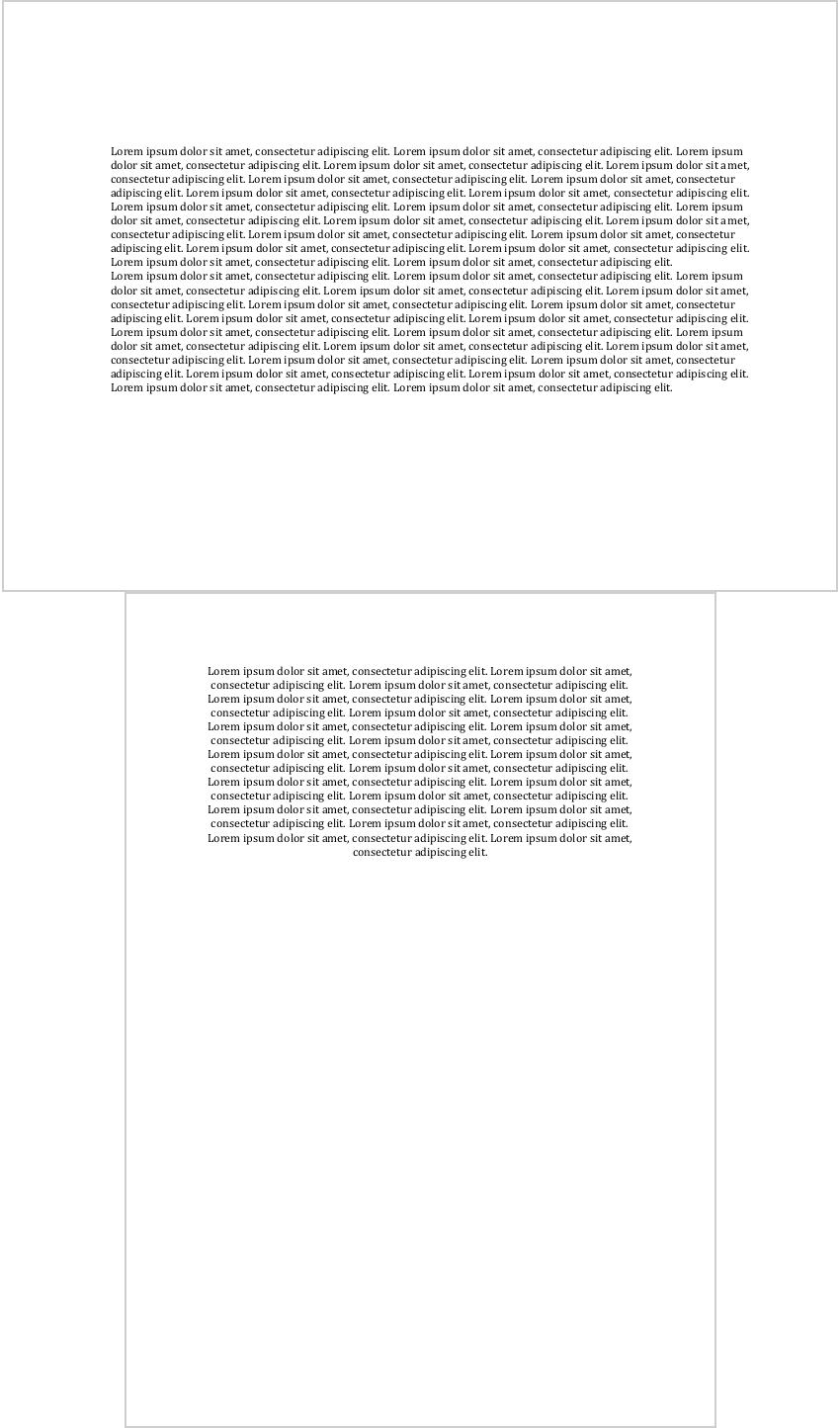
library(officer)
str1 <- "Lorem ipsum dolor sit amet, consectetur adipiscing elit."
str1 <- rep(str1, 20)
str1 <- paste(str1, collapse = " ")

ps <- prop_section(
  page_size = page_size(orient = "landscape"),
  page_margins = page_mar(top = 2),
  type = "continuous"
)

doc_1 <- read_docx()
doc_1 <- body_add_par(doc_1, value = str1, style = "Normal")
doc_1 <- body_add_par(doc_1, value = str1, style = "Normal")

doc_1 <- body_end_block_section(doc_1, block_section(ps))

doc_1 <- body_add_par(doc_1, value = str1, style = "centered")

print(doc_1, target = tempfile(fileext = ".docx"))